
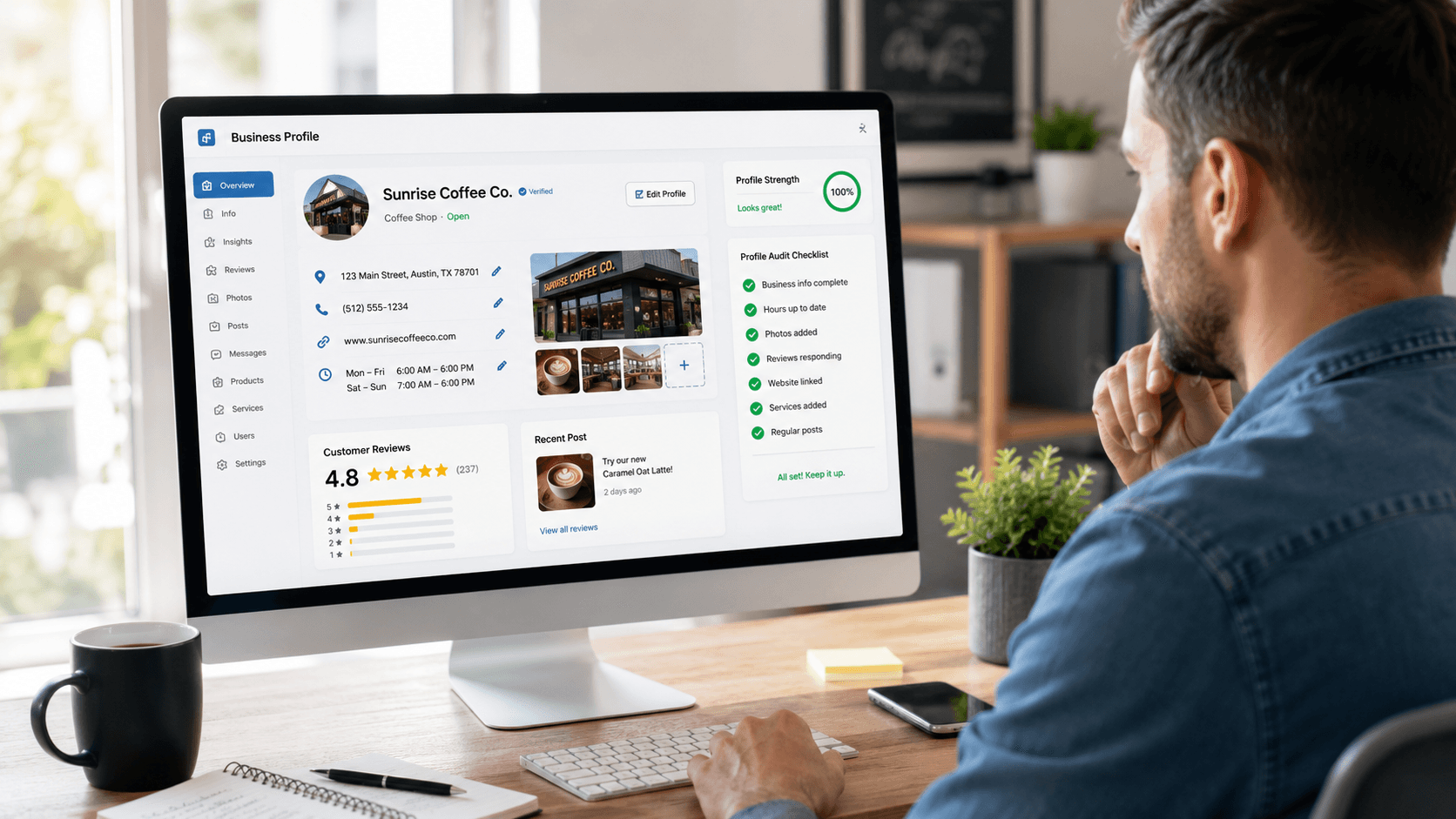
 If you set up your Google Business Profile when you first launched your business and haven’t touched it since, you’re not alone. Most small business owners treat it like a one-time task: fill it in, verify it, move on. The problem is that an outdated or incomplete profile can quietly work against you, even if your website is in great shape.
The good news is that a basic audit doesn’t take long. Set aside 15 minutes, pull up your profile, and work through these six areas. You may find it’s in better shape than you thought. Or you may find a few quick fixes that make a real difference.
1. Start with the basics: Is your information accurate?
Name, address, phone number, and website URL. These seem like the easy ones, but they’re wrong more often than you’d expect. Hours change, phone numbers get updated, and websites move to new URLs. If any of this information is out of date, customers trying to reach you will hit a dead end.
There’s also a consistency issue worth understanding. Google cross-references the information on your Business Profile against what appears on your website, social media pages, and other online directories. If there are discrepancies, even small ones, Google may not know which version is correct. That uncertainty can affect how confidently it shows your profile in search results.
This includes things that look like minor formatting differences. If your business name is listed as “Smith Consulting Inc.” on your website but “Smith Consulting Incorporated” in a directory listing, that counts as a discrepancy. Pick one version and use it exactly, everywhere.
2. Is your business category set correctly?
Your primary category is one of the more important settings in your profile, and it’s one that many business owners either guess at or never revisit. Google uses your category to decide which searches your profile is relevant for.
A category that’s too broad, too narrow, or just slightly off can mean your profile shows up for the wrong searches, or doesn’t show up when it should.
Log in and take a look. Google has expanded its category options over the years, so there may be a more precise match available now than there was when you first set up your profile. You can also add secondary categories, which is worth doing if your business covers more than one area of service.
3. What do your photos look like?
A Google Business Profile with no photos, or with photos from several years ago, sends a quiet signal that no one is paying attention. Prospective customers notice this.
You don’t need professionally shot images to make a good impression. Clear, reasonably well-lit photos of your location, your team, your products, or your work will do the job. The key is recency. Google also tends to favor profiles that are actively maintained, and adding photos periodically is one of the easiest ways to show activity.
Check your cover photo and your profile photo first, then look at what else is there. If your most recent upload is from 2021, it’s time to add something current.
4. Are you responding to reviews?
When someone leaves a review on your Google profile, it doesn’t just sit there as feedback for you. It’s public, and potential customers read it before they decide whether to contact you.
Responding to reviews, both positive and negative, shows that you’re engaged and that you take your customers seriously. A thoughtful response to a negative review can actually build more trust than a string of five-star ratings with no engagement.
If you have reviews sitting unanswered, work through them. Going forward, make a habit of responding within a day or two. It doesn’t need to be elaborate. A brief, genuine reply is enough.
5. Are you using Google Business Profile posts?
This feature is underused by most small businesses, which means it’s also an easy way to stand out. GBP posts are short updates that appear directly on your profile in search results. You can use them to highlight a service, share a quick tip, announce something seasonal, or just keep your profile looking current.
Posts don’t require a lot of time or writing skill. A few sentences and a photo is plenty. They do expire after a week, so the goal is to post regularly rather than write something lengthy. If you’ve never used this feature, it’s worth exploring. You’ll find it in the management dashboard for your profile.
6. Is your business description doing any work?
Google gives you up to 750 characters for your business description. That’s not a lot, but it’s enough to clearly explain what you do, who you help, and what makes you worth contacting.
Many profiles have descriptions that are either blank or so generic they could apply to any business in the industry. Think of this space as your first impression for someone who doesn’t know you yet. Plain language works better than marketing speak. Skip the superlatives and just describe what you actually do and who you actually serve.
If your description reads like it was written in five minutes without much thought, rewrite it. This is some of the most valuable real estate on your profile, and it costs nothing to improve.
A Few Small Fixes Go a Long Way
None of these items require technical expertise or a big investment of time. But collectively, they affect whether your profile builds trust or quietly undermines it. A profile that’s accurate, active, and complete will consistently outperform one that was set up and forgotten.
With Wheaton Website Services, we can help you get your Google Business Profile working the way it should, and make sure it stays that way over time. Ready to take a closer look? Contact us today to learn how we can help.
Leave A Comment