
“It usually works” is not a strategy. It is a warning sign.
We recently stepped into a client site that “mostly worked,” but the owner kept dealing with problems that never fully went away. This post walks through what the business owner noticed, what we found under the hood, what we fixed, and what other owners can learn before their site turns into a recurring headache.
 The Symptoms The Business Owner Saw
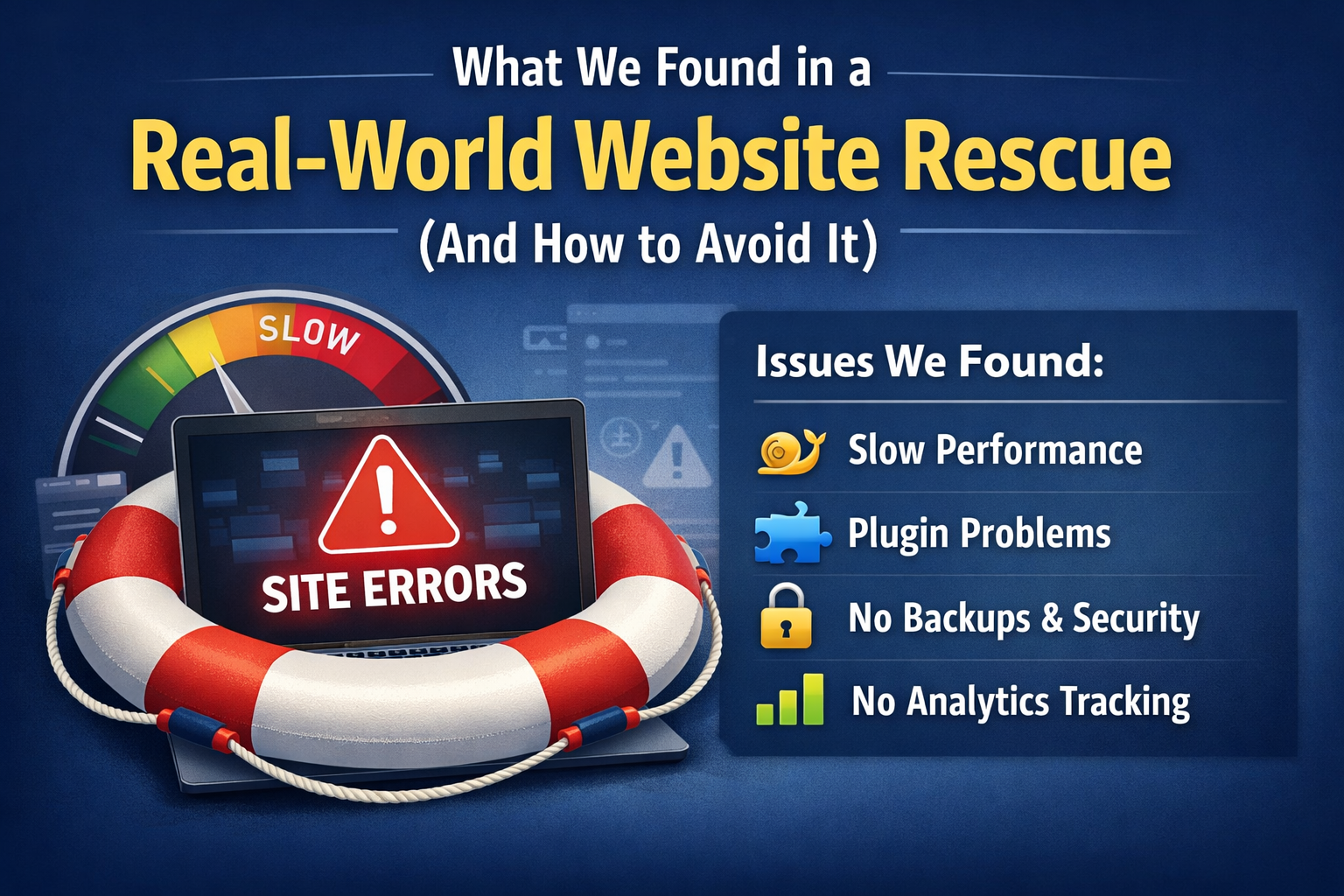
This is a composite, anonymized case based on patterns we see often.
From the owner’s perspective, it looked like this:
- Slow page loads, especially during peak hours.
- Random errors or timeouts when submitting forms or checking out.
- Customer complaints like “it keeps spinning” or “it never loads on my phone.”
- Solid traffic, but fewer inquiries or orders than expected.
- A general sense that the site “works most of the time,” but something is off.
These symptoms usually point to deeper technical issues that are hard to see from the front end. Most owners do not have the tools or time to diagnose them, and many vendors never look beyond surface-level fixes.
What We Found Under The Hood
None of the issues below are unusual on their own. The problem was the combination. Together they created a fragile site that looked fine until it was under real-world load.
Problem 1: Underpowered Or Misconfigured Hosting
The site was running in an environment that could not reliably handle real traffic and real workloads.
Common indicators included:
- Hosting resources that spiked during normal usage.
- Outdated PHP settings or versions that limited performance.
The result was inconsistent performance, random slowdowns, and “sometimes it works, sometimes it doesn’t” behavior that is brutal for conversions.
Problem 2: Bloated And Conflicting Plugins
The plugin list had grown over time, which is typical for DIY and band aide fixes being applied.
What we found:
- Too many plugins installed, with overlapping functions.
- At least one plugin that was abandoned or rarely updated.
- Conflicts that triggered intermittent errors and a slow admin area.
When multiple plugins try to solve the same problem, you get unpredictable behavior. That is where the random timeouts and glitches often come from.
Problem 3: Missing Security And Backup Fundamentals
This site was technically working, but it was one incident away from an expensive disruption.
The biggest gaps:
- No reliable backups.
- Weak or missing security protections like firewall rules, malware scanning, and login protection.
- No monitoring to catch problems early.
A site without proven backups is not protected. It is exposed and vulnerable.
Problem 4: Broken Or Inefficient Front End
The front end looked acceptable on a desktop. On mobile, it struggled.
What we found:
- Large, unoptimized images.
- Heavy sliders and scripts loading on every page whether they were needed or not.
- A mobile experience that had never been tested properly under real conditions.
This is where “it loads fine for me” becomes misleading. Many issues show up only on slower devices and mobile connections.
Problem 5: No Real Analytics Or Conversion Tracking
Google Analytics was installed, but it was not actually answering business questions.
The key issues:
- No goals or conversions configured.
- No clear view of where users were dropping off.
- No simple reporting the owner could use to make decisions.
Without basic conversion tracking, the owner was guessing. Traffic numbers looked decent, but there was no visibility into why inquiries and orders were underperforming.
What We Did To Stabilize And Improve The Site
We approached this like a rescue project. Fix the foundation first, then remove the instability, then improve performance and tracking.
Fixing The Foundation
We either migrate the site to suitable hosting or correct the current hosting configuration, depending on what makes sense for the business.
In this case we:
- Corrected the hosting environment so it matched the site’s needs.
- Implemented proper caching at the application level.
The goal was consistent performance for all visitors.
Cleaning Up Plugins
We ran a full plugin audit and cleaned out anything unnecessary.
Actions included:
- Removing plugins that were not needed or no longer maintained.
- Replacing weak plugins with supported, reliable alternatives.
- Standardizing on a smaller set of vetted tools.
Fewer plugins usually means fewer conflicts, fewer security risks, a faster site and easier long-term maintenance.
Securing And Protecting The Site
We put the basics in place, then confirmed they were working.
That included:
- Proper security tooling and monitoring.
- Automated backups on a reliable schedule.
- Clear restore testing so backups were not just theoretical.
Backups only matter if they can be restored quickly.
Optimizing Front End Performance
We focused on changes that improved real load time and usability.
That included:
- Implementing caching and a CDN.
- Removing or replacing resource-heavy elements that were not helping conversions.
- Confirming the site performed well on mobile and did not rely on desktop-only assumptions.
Turning On Real Data
We set up analytics so the owner could finally see what the site was doing.
That included:
- Proper Google Analytics 4 configuration.
- Basic conversion tracking for forms, key pages, and checkout behavior.
The Results Before And After
Every site is different, but rescue projects usually show improvements in the same areas.
In this case, the changes produced:
- Faster average page load times.
- More consistent uptime and far fewer timeouts and random errors.
- An increase in completed forms and/or orders because the site stopped failing at critical moments.
- Fewer customer complaints about spinning loaders and mobile issues.
- The owner’s feedback was simple: the website stopped being something they worried about every week.
What You Can Learn From This
If you recognize any of these patterns, treat them as early warning signs.
- Do not ignore “small” issues that keep recurring. Repeated issues are rarely small.
- Cheap or outdated hosting often costs more in lost leads and wasted time.
- Plugin sprawl and band aide fixes add up over time, especially when multiple people touch the site.
- Security and backups are not optional. They are the baseline.
- Without analytics and goals, you are guessing about what is working and what is failing.
Simple Checklist: Is Your Website Quietly In Trouble?
Use this as a quick self-assessment:
- Does your site feel slow at certain times of day?
- Have you had forms or orders fail in the past six months?
- Are you unsure what hosting you are actually on?
- Do you have more than a dozen plugins, and do you know what they all do?
- Do you know when your last successful backup was?
- Can you see how many leads or orders came directly from your website last month?
If you answered “I don’t know” more than once, that is not a technical problem. That is a risk problem. It is worth addressing before it becomes urgent and expensive.
Next Step
With Wheaton Website Services, we can help you effectively leverage website audits and rescue projects to turn unstable, frustrating sites into dependable business assets. Are you ready to start leveraging website audits and rescue projects? Contact us today to learn how we can help.
Leave A Comment