
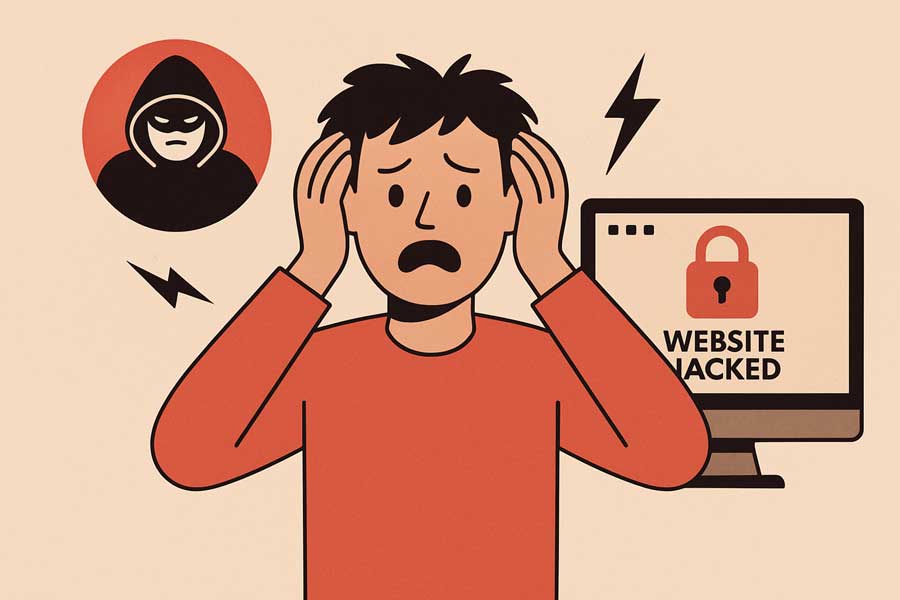
 No one thinks it’ll happen to them . . . until it does.
Website hacks aren’t just a big-business problem. In fact, small business websites are frequently targeted because they’re often unprotected. A hacked site can be devastating to your business, damaging your reputation, costing you sales, and leaving you scrambling to clean up the mess. You had plans for today that didn’t include recovering from a hack, right?
Here’s what really happens when a website is compromised and, more importantly, how to protect your business from becoming the next victim.
What a Website Hack Looks Like
Not every attack is obvious. Some signs are subtle at first:
- Your site suddenly loads slowly or displays errors
- Google marks your site as “Not Secure” or warns of malware
- Pages redirect to strange websites
- Customers report suspicious emails or pop-ups
Behind the scenes, hackers may be stealing customer data, injecting malicious code, or using your site to send spam. The longer it goes undetected, the worse the damage becomes.
The Real-World Impact on Your Business
A hack doesn’t just take your website offline. It can:
- Damage your reputation – Visitors lose trust when your site is compromised
- Sink your search rankings – Google may blacklist your site, dropping you from search results
- Create legal headaches – Leaked customer data can lead to compliance issues or liability
- Cost you time and money – Emergency cleanups, lost sales, and recovery efforts aren’t cheap
Recovering from a hack is stressful. Preventing one is far easier—and far more affordable. An ounce of prevent is worth a pound of cure is an accurate analogy.
How to Protect Your Website
You don’t need to be a cybersecurity expert to keep your website safe. Here’s where to start:
🔐 Use Strong Passwords and Limit Access
Enforce secure logins, change passwords regularly, create accounts for each user needing access. Don’t share credentials.
🔄 Keep Software and Plugins Updated
Outdated themes, plugins, or CMS versions are easy entry points for hackers. Get those updates done regularly so you are not an easy target. See our WordPress Support Package.
🛡️ Install a Web Application Firewall (WAF)
A WAF filters out malicious traffic before it reaches your site, blocking common attacks automatically. If you are hosting with us (See our website hosting plans), we’ve got you covered here.
🧪 Run Regular Malware Scans
Automated scans help catch threats early—before they cause real damage. All of our hosting plans include both real-time malware detection and malware scanning.
📦 Back Up Your Site Frequently
If something goes wrong, a full backup means you’re not starting from scratch. Make sure backups are automatic and that you have direct access to them.
📈 Monitor for Unusual Activity
Watch for unexpected logins, file changes, or spikes in traffic. Early detection makes all the difference. Ask you support team or hosting company if you see something unusual.
Want Peace of Mind? We Can Help.
Security shouldn’t be something you worry about. At Wheaton Website Services, we build and maintain websites with protection built-in . . . from firewalls to daily backups and everything in between.
With Wheaton Website Services, we can help you effectively leverage website security to protect your data, your reputation, and your business. Are you ready for a more secure website? Contact us today to learn how we can help.
Leave A Comment